 Releasy
Locked while they sign
Leaving signer mode takes your Face ID or passcode, so nobody browses your other releases.
For photographers
Hand over your phone and get a signed model or property release back in about two minutes, offline, ready to send as a PDF and JPEG.
Free to download on the App Store, for iPhone with iOS 17 or later.
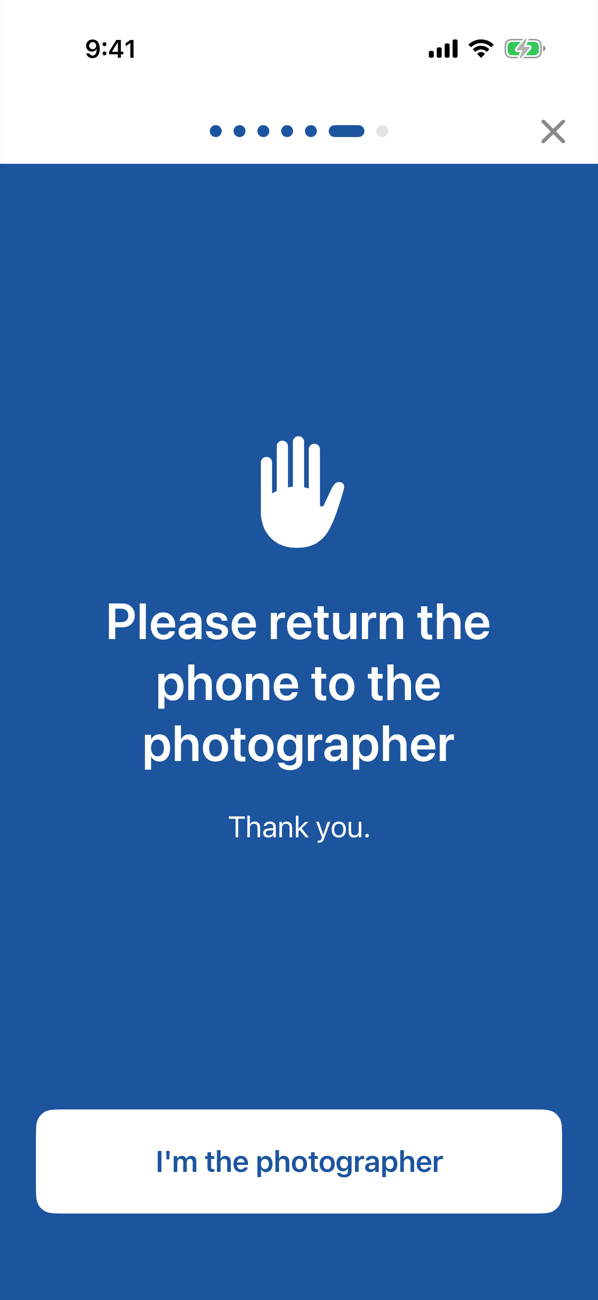
Hand the phone over at step one; it comes back to you at step four.
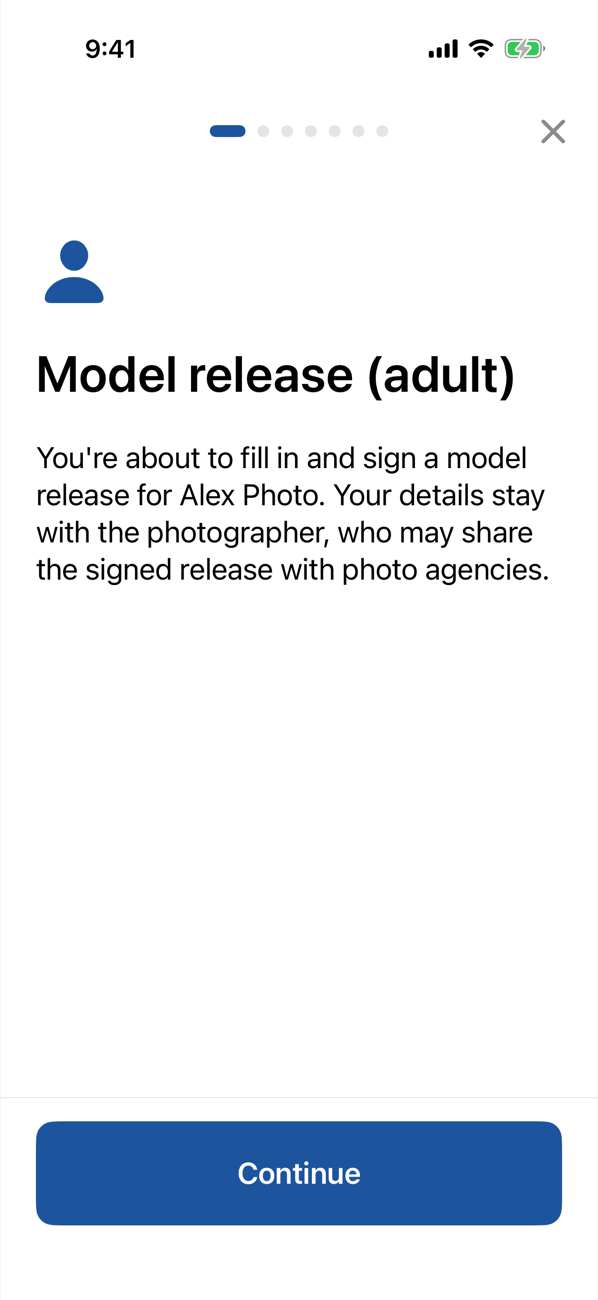
They see which release they’re signing and who it’s for.
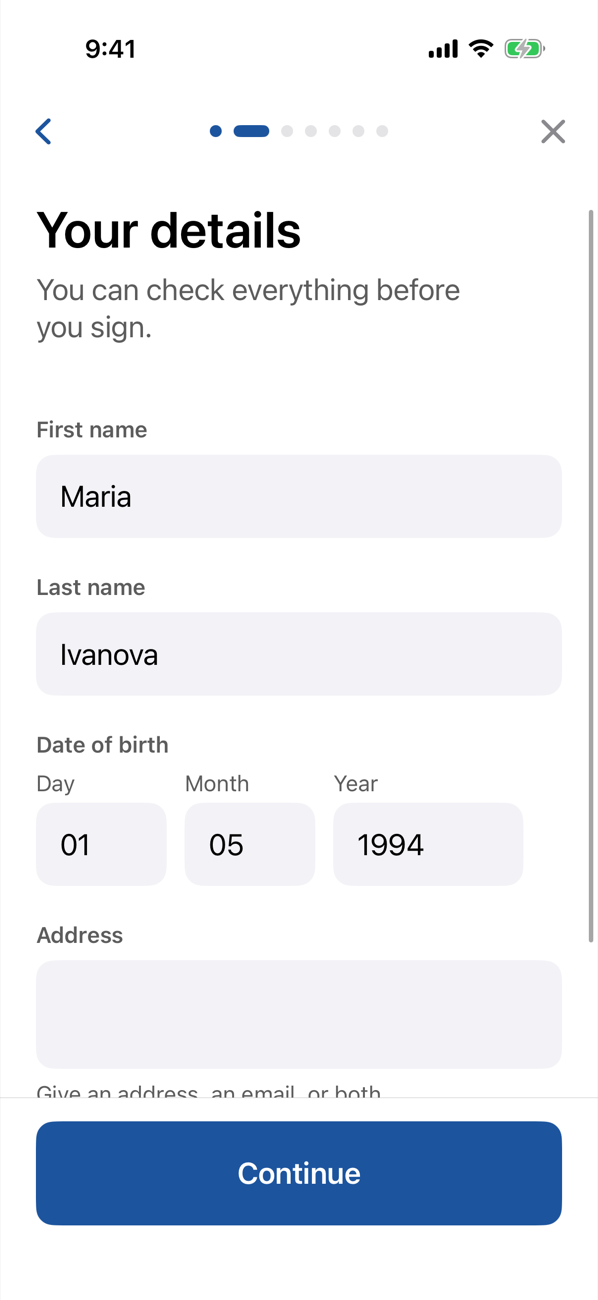
Then they take a reference photo.
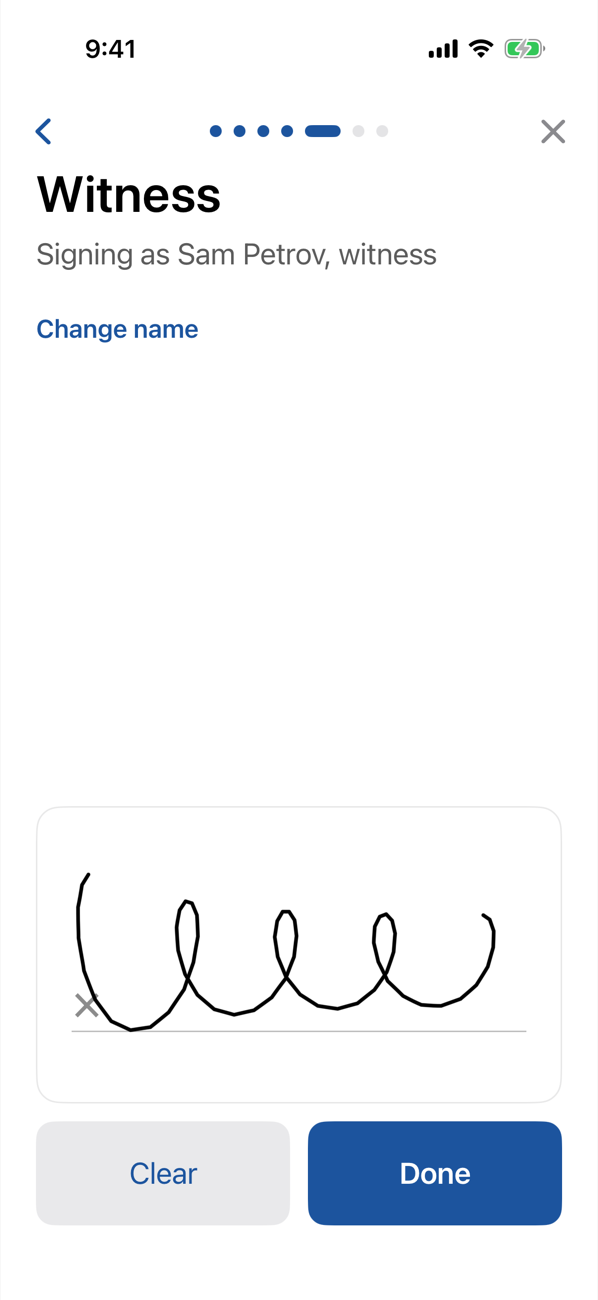
Each signature gets its own full-width pad.
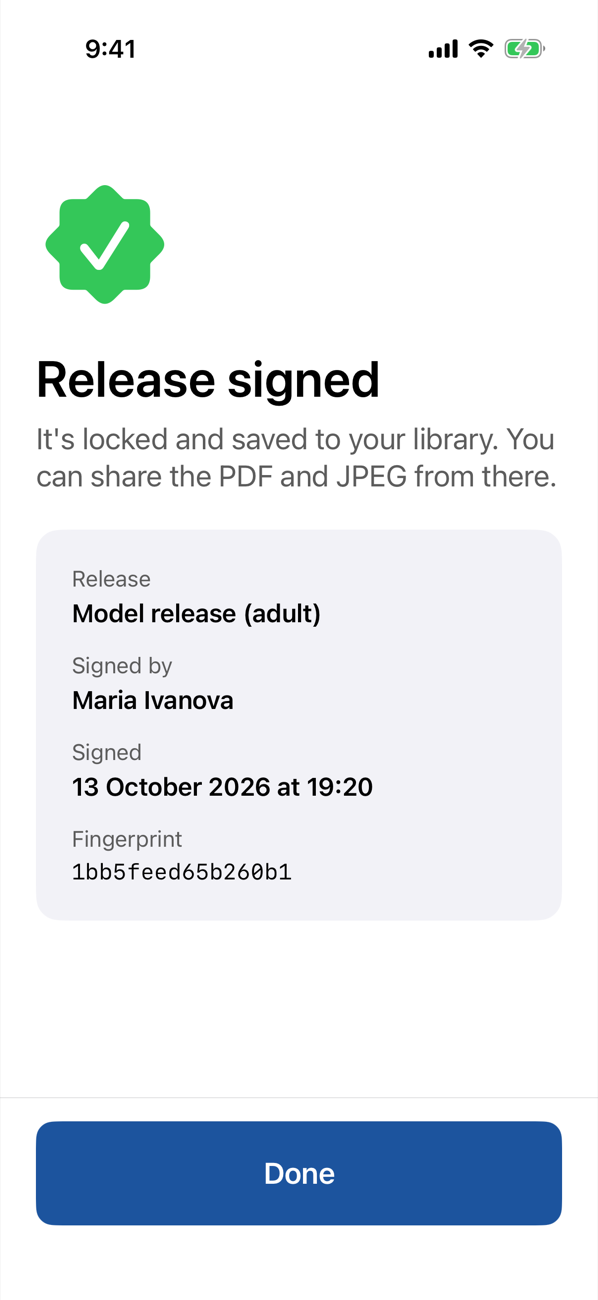
The release is locked, fingerprinted and ready to share.

Hand over your phone at the end of the shoot. A couple of minutes later you have a signed release, and nobody had to print anything.
Leaving signer mode takes your Face ID or passcode, so nobody browses your other releases.
A clean PDF with real, searchable text, plus a 200 dpi JPEG.
Model release

Fingerprint 1bb5feed65b260b1
Fill in, sign and export with no signal. iCloud catches up when you’re back online.
Adult model, minor model with a parent or guardian, and property.
Each signed release gets one, so any later change can be detected.
Releases stay on your iPhone and in your private iCloud. No accounts, no tracking.
Your first three signed releases are free. Pro removes the limit.
$0
Recommended
$29.99 a year
$59.99 once
Prices are in US dollars; the App Store shows the price in your currency. Pro Annual renews automatically unless you cancel at least 24 hours before the end of the current year. Releases you’ve already signed stay available to view and share, with or without Pro.
Releases stay on your iPhone and in your private iCloud. No accounts, no ads, no analytics.
Read the privacy policySomething else? Visit Support.
No. They sign on your iPhone. There’s no Releasy account to create, for them or for you.
Yes. Everything, from filling in to signing and exporting, works offline. If iCloud is on, your releases sync the next time you’re online.
On your iPhone and, if iCloud is on, in your private iCloud. We don’t run any servers, and we can’t see them.
Yes. Share the PDF or JPEG from the release, by email, AirDrop, Messages or any app on your iPhone.
Make a corrected copy and have it signed. The original is voided once the new one is signed, so there’s never any doubt about which one counts.
Releasy puts what a release usually needs on one page: who signed and when, a witness, a reference photo and the shoot’s details. Requirements differ between countries and agencies, so check that the release text fits your work before you rely on it.
Nothing. Releases you’ve already signed stay available to view and share. Without Pro, you can’t start new ones beyond the free three.
An iPhone with iOS 17 or later, with a passcode set (signer mode locks with it) and camera access for the reference photo.